Homelab Part 6 — Persistent Storage with Longhorn
Installing Longhorn to give Kubernetes pods real persistent storage — so Jellyfin remembers its library and Nextcloud keeps its files when pods restart.
Installing Longhorn to give Kubernetes pods real persistent storage — so Jellyfin remembers its library and Nextcloud keeps its files when pods restart.
Installing MetalLB to give Kubernetes real local IPs, and Nginx Ingress to route traffic to the right service based on hostname — the networking layer the entire homelab runs on.
Installing K3s on a single Ubuntu VM, configuring kubectl access from Windows, and installing Helm — the foundation everything else in the homelab is built on.
Installing AdGuard Home as the internal DNS server for the homelab — so every service gets a clean hostname instead of an IP address, plus network-wide ad blocking as a bonus.
A breakdown of a real homelab running Proxmox, K3s, Istio, ArgoCD, and a full observability stack on a single laptop — how every layer connects and why each piece is there.
Setting up VMware Workstation 17 Pro, planning the VM layout, configuring networking, and creating the two VMs that power the entire homelab.
The plan, the goal, and the full stack for my self-hosted homelab — running on a single laptop with VMware 17 Pro, K3s, Jellyfin, Nextcloud, and Cloudflare Tunnel.
A full Linux networking reference covering interfaces, routing, DNS, firewalls, traffic capture, tunneling, and monitoring. Built for quick lookup during CTFs, pentests, and day-to-day sysadmin work.
A full walkthrough of AWS EC2 — instance types, AMIs, pricing models, storage options, Auto Scaling Groups, placement groups, and Systems Manager
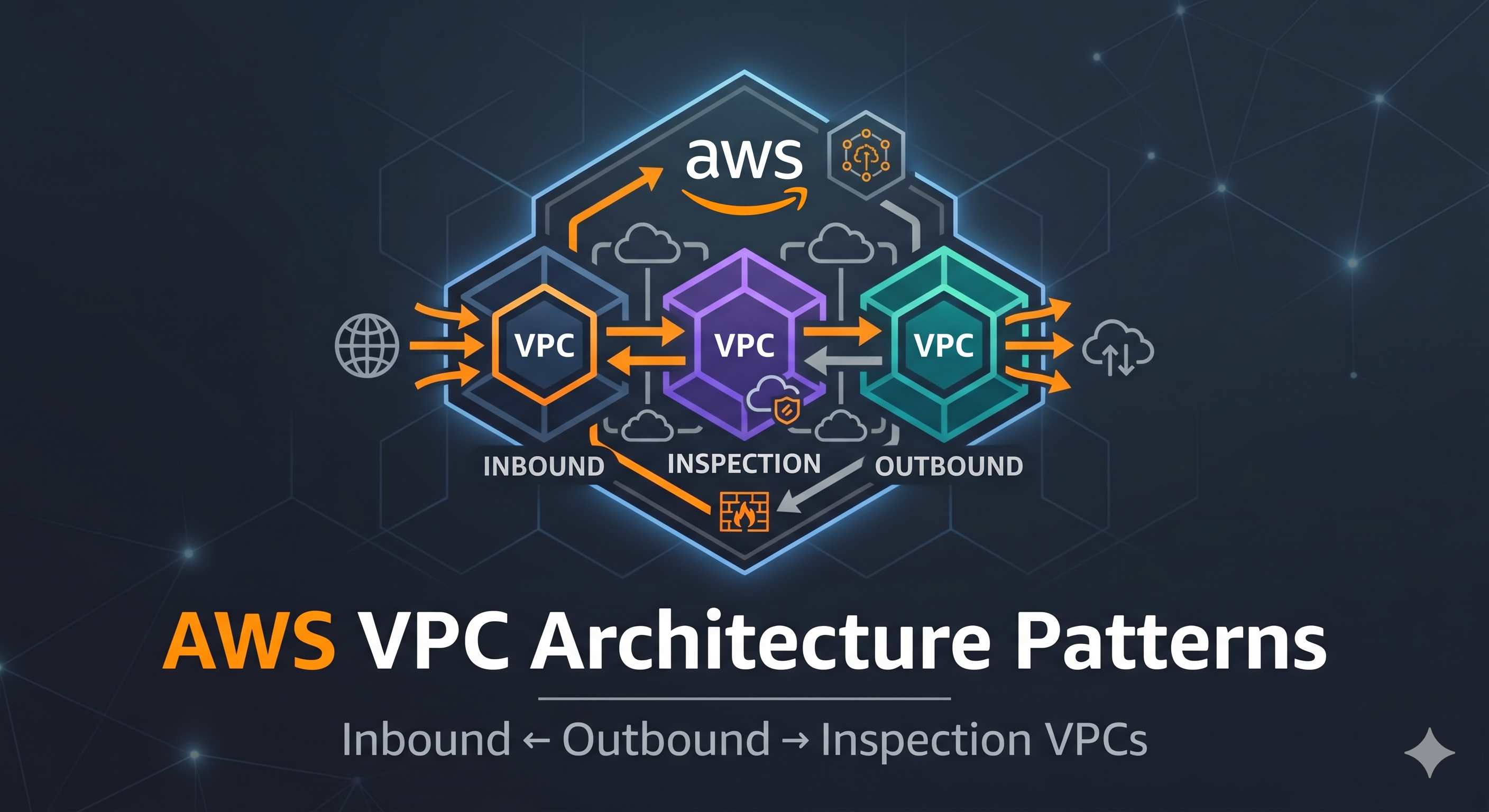
A walkthrough of enterprise AWS VPC architecture patterns — inbound, outbound, and inspection VPCs, Transit Gateway hub-and-spoke, and centralized egress and security