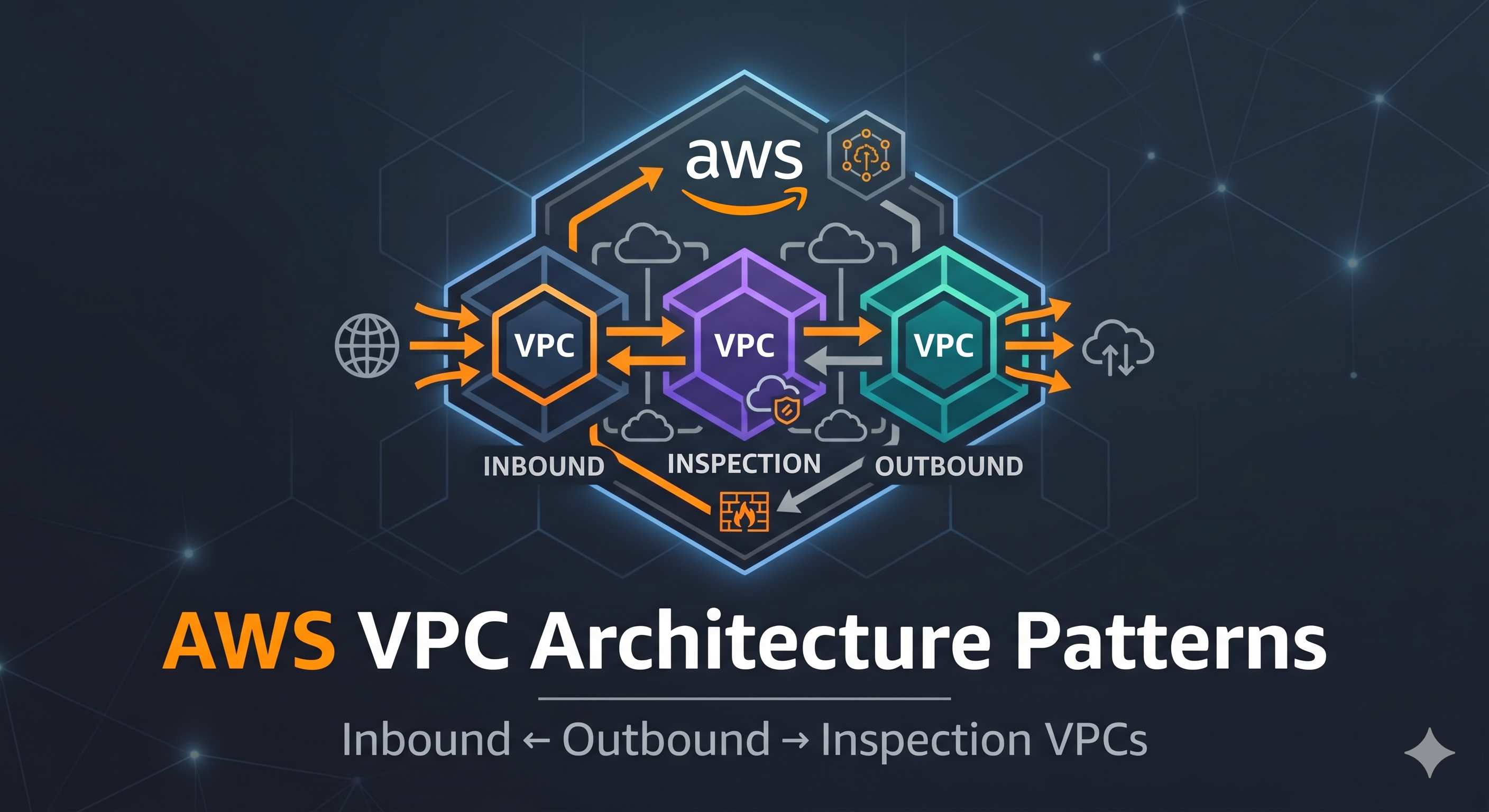
AWS VPC Architecture Patterns — Inbound, Outbound, and Inspection VPCs
A walkthrough of enterprise AWS VPC architecture patterns — inbound, outbound, and inspection VPCs, Transit Gateway hub-and-spoke, and centralized egress and security
Why Multiple VPCs?
A single VPC works fine for a small application. As you grow — multiple teams, multiple environments, compliance requirements, third-party security appliances — you need to think about how VPCs relate to each other and how traffic flows between them.
Enterprise AWS accounts typically split networking into dedicated VPCs by function:
| VPC | Purpose |
|---|---|
| Inbound VPC | Entry point for traffic coming from the internet |
| Outbound VPC | Centralised exit point for all traffic going to the internet |
| Inspection VPC | Runs IDS/IPS and firewall appliances that inspect all east-west traffic |
| Workload VPCs | Where your actual applications live — isolated per team or environment |
| Shared Services VPC | Central services like DNS, AD, monitoring, that all workloads need |
This pattern is called hub-and-spoke and it is the foundation of the AWS Landing Zone architecture.
Transit Gateway — The Hub
When you have many VPCs that need to communicate, VPC peering does not scale. Peering is one-to-one — 10 VPCs need 45 peering connections. AWS Transit Gateway (TGW) solves this.
A Transit Gateway is a central network hub. Every VPC attaches to it, and the TGW routes traffic between them. Instead of N*(N-1)/2 peering connections, you have N attachments.
📸 SCREENSHOT: AWS Console → VPC → Transit Gateways → Create Transit Gateway. Show the Transit Gateway created, then Transit Gateway Attachments showing each VPC attached to it.
1
2
3
4
                    Transit Gateway
                    /    |    |    \
          Inbound  Outbound Inspection Workload
            VPC      VPC      VPC       VPCs
1
2
3
4
5
6
7
8
9
10
11
12
13
14
15
16
17
18
19
# Create a Transit Gateway
aws ec2 create-transit-gateway \
  --description "Central hub" \
  --options '{
    "AmazonSideAsn": 64512,
    "DefaultRouteTableAssociation": "enable",
    "DefaultRouteTablePropagation": "enable",
    "VpnEcmpSupport": "enable",
    "DnsSupport": "enable"
  }'

# Attach a VPC
aws ec2 create-transit-gateway-vpc-attachment \
  --transit-gateway-id tgw-0abc123 \
  --vpc-id vpc-workload \
  --subnet-ids subnet-1a subnet-1b subnet-1c

# List attachments
aws ec2 describe-transit-gateway-attachments --output table
Transit Gateway Route Tables
The TGW has its own route tables — separate from VPC route tables. You can segment traffic: workload VPCs route to the inspection VPC before going anywhere else.
📸 SCREENSHOT: VPC → Transit Gateways → Transit Gateway Route Tables. Show two route tables — one for workload VPCs (routes pointing to inspection) and one for the inspection VPC (routes pointing to final destinations).
Inbound VPC
The Inbound VPC (sometimes called the perimeter VPC) is the dedicated entry point for traffic coming from the internet into your environment. It contains internet-facing resources that all workloads share:
- AWS WAF — filters malicious HTTP requests at the edge
- Application Load Balancer — routes to the correct workload VPC
- AWS Shield Advanced — DDoS protection
- AWS Network Firewall (optional) — stateful traffic inspection
Traffic flow:
1
2
3
4
5
6
7
8
9
10
11
12
13
14
15
16
Internet
    │
    ▼
AWS Shield Advanced (DDoS)
    │
    ▼
AWS WAF Web ACL
    │
    ▼
ALB in Inbound VPC (public subnets)
    │
    ▼
Transit Gateway
    │
    ▼
Workload VPC (private subnets)
Why centralise inbound traffic?
Without this pattern, each workload team deploys their own ALB, WAF, and public IP. You end up with dozens of internet-facing entry points, inconsistent WAF rules, and no single place to enforce security. Centralising inbound traffic means one team owns the perimeter, WAF rules are consistent, and you have one place to monitor ingress traffic.
📸 SCREENSHOT: Draw.io or AWS Architecture diagram showing the Inbound VPC with public subnets containing ALB → Transit Gateway → Workload VPCs. This is a good candidate for an architecture diagram to insert here.
Outbound VPC
The Outbound VPC provides a centralised, controlled exit point for all outbound internet traffic from your workloads. Without it, each workload VPC has its own NAT Gateway — you have no visibility or control over what workloads are calling on the internet.
The Outbound VPC contains:
- NAT Gateways — shared across all workload VPCs (cost saving)
- AWS Network Firewall — inspects and filters outbound traffic (block malware C2, restrict domains)
- Flow logs — centralised egress logging
Traffic flow from workload to internet:
1
2
3
4
5
6
7
8
9
10
11
12
13
14
15
16
17
18
19
Workload EC2 (private subnet)
    │
    ▼
Transit Gateway
    │
    ▼
Outbound VPC
    │
    ▼
AWS Network Firewall (stateful inspection)
    │
    ▼
NAT Gateway
    │
    ▼
Internet Gateway
    │
    ▼
Internet
AWS Network Firewall for egress filtering
1
2
3
4
5
6
7
8
9
10
11
12
13
14
15
16
17
# Create a firewall policy
aws network-firewall create-firewall-policy \
  --firewall-policy-name egress-policy \
  --firewall-policy '{
    "StatelessDefaultActions": ["aws:forward_to_sfe"],
    "StatelessFragmentDefaultActions": ["aws:forward_to_sfe"],
    "StatefulRuleGroupReferences": [{
      "ResourceArn": "arn:aws:network-firewall:...:stateful-rulegroup/block-malware"
    }]
  }'

# Create the firewall in the outbound VPC
aws network-firewall create-firewall \
  --firewall-name egress-firewall \
  --firewall-policy-arn arn:aws:network-firewall:...:firewall-policy/egress-policy \
  --vpc-id vpc-outbound \
  --subnet-mappings SubnetId=subnet-fw-1a SubnetId=subnet-fw-1b
Domain filtering with Suricata rules
Network Firewall supports Suricata-compatible rules. You can block outbound DNS and HTTP requests to specific domains:
1
2
3
4
5
6
7
# Block known malware C2 domains
drop tls any any -> any any (tls.sni; content:"malware-c2.com"; sid:1; rev:1;)
drop http any any -> any any (http.host; content:"badsite.com"; sid:2; rev:1;)

# Only allow specific outbound HTTPS domains
pass tls any any -> any 443 (tls.sni; content:"amazonaws.com"; sid:100; rev:1;)
drop tls any any -> any any (sid:999; rev:1;)
Inspection VPC
The Inspection VPC sits in the middle of your network and inspects east-west traffic — traffic between workload VPCs, or between workloads and on-premises. It runs third-party security appliances: Check Point, Palo Alto, Fortinet, or AWS Network Firewall.
East-west traffic without an Inspection VPC:
1
2
Workload A VPC → Transit Gateway → Workload B VPC
(no inspection — traffic passes freely)
East-west traffic with an Inspection VPC:
1
Workload A VPC → Transit Gateway → Inspection VPC → Firewall → Transit Gateway → Workload B VPC
This requires careful TGW route table design — you must force all inter-VPC traffic through the inspection VPC before it reaches the destination.
Inspection VPC components
1
2
3
4
5
6
7
Inspection VPC
├── Public Subnets
│   └── NAT Gateway (if the firewall needs internet access for updates)
├── Firewall Subnets
│   └── Network Firewall endpoints (one per AZ)
└── TGW Attachment Subnets
    └── Transit Gateway ENIs (one per AZ)
📸 SCREENSHOT: VPC → Transit Gateway Route Tables → show the inspection route table. Show that traffic from workload VPCs is routed to the Inspection VPC attachment before being allowed to proceed.
TGW route table design for inspection
1
2
3
4
5
6
7
8
9
10
TGW Route Table: workload-rt
  (associated with workload VPC attachments)
  0.0.0.0/0 → inspection-vpc-attachment
  10.0.0.0/8 → inspection-vpc-attachment

TGW Route Table: inspection-rt
  (associated with inspection VPC attachment)
  10.1.0.0/16 → workload-a-attachment
  10.2.0.0/16 → workload-b-attachment
  0.0.0.0/0   → outbound-vpc-attachment
All workload traffic hits the inspection VPC first. The firewall in the inspection VPC decides whether to allow or block it. Only allowed traffic gets forwarded to the destination.
Shared Services VPC
The Shared Services VPC hosts infrastructure that all workloads need access to:
- Route 53 Resolver endpoints — centralised DNS for hybrid networks
- AWS Directory Service / Managed Microsoft AD — Active Directory for workloads
- AWS Systems Manager — patching, parameter store, session manager
- Monitoring and logging infrastructure — Prometheus, Grafana, log aggregation
Rather than replicating these services in every workload VPC, you put them once in the Shared Services VPC and connect via Transit Gateway.
📸 SCREENSHOT: Route 53 → Resolver → Endpoints. Show the inbound and outbound endpoints with their IP addresses in each AZ, connected to the Shared Services VPC.
AWS PrivateLink
AWS PrivateLink allows you to expose a service in one VPC to consumers in other VPCs (or other accounts) without VPC peering, TGW, or internet access. The consumer VPC gets an interface VPC endpoint with a private IP in their subnet. Traffic never leaves the AWS network.
1
2
Consumer VPC                     Provider VPC
  ENI (private IP) ──PrivateLink──► NLB → Service
Use cases:
- SaaS providers exposing APIs to customer VPCs
- Sharing internal microservices between accounts
- Replacing VPC peering for service-to-service communication
📸 SCREENSHOT: VPC → Endpoint Services → Create Endpoint Service. Show the NLB selected as the backing load balancer, and the principal whitelist where you add the consumer account ARN.
Summary — When to Use What
| Scenario | Solution |
|---|---|
| Single app, one team | Single VPC with public/private/DB subnets |
| Multiple VPCs, same account | Transit Gateway hub-and-spoke |
| Centralise WAF and DDoS protection | Inbound VPC with shared ALB |
| Centralise and inspect outbound traffic | Outbound VPC with Network Firewall + NAT |
| Inspect east-west VPC traffic | Inspection VPC with firewall in TGW path |
| Shared internal services (DNS, AD) | Shared Services VPC via TGW |
| Service-to-service without peering | AWS PrivateLink |
| On-premises connectivity | VPN or Direct Connect into Transit Gateway |
Quick Reference
1
2
3
4
5
6
7
8
9
10
11
12
13
14
15
# Transit Gateway
aws ec2 describe-transit-gateways --output table
aws ec2 describe-transit-gateway-attachments --output table
aws ec2 describe-transit-gateway-route-tables --output table

# Network Firewall
aws network-firewall list-firewalls --output table
aws network-firewall describe-firewall --firewall-name egress-firewall

# VPC Endpoints
aws ec2 describe-vpc-endpoints --output table
aws ec2 describe-vpc-endpoint-services --output table

# Flow logs (to see traffic in inspection VPC)
aws ec2 describe-flow-logs --output table
You can find me online at:
